
On this page · 8 min
Every automation is made of the same parts, whatever you build it with. A trigger, which is either a clock or an event from a service you use. The integrations it acts through: Linear, Slack, GitHub, your own database. The logic between the trigger and the result, which used to be a few lines of glue and is increasingly an agent loop, a model with tools working out what the right action is this time. And some state, because the second run has to know what the first one already did.
Then the part the diagram leaves out. It has to run somewhere. And when the run is over, whatever it ran on should stop costing money until the next one.
That second half is where most setups go wrong, for a reason that only becomes obvious once you have paid for it.
The trigger wants to live inside the machine
Take the smallest automation there is: a script that posts a summary to Slack every morning. The obvious way to schedule it is a cron entry. Cron is a process inside the machine, and it has to be running at nine o'clock to notice that it is nine o'clock.
An event-driven one is worse. A webhook handler is a socket inside the machine, listening. A polling loop is the machine asking a service every few seconds whether anything happened. Either way the machine is awake around the clock so that, once a day, it can do forty seconds of work.
So the machine stays on. A small VPS per automation that matters, or one shared box with a growing crontab. It is idle almost all of the time and billed all of the time.
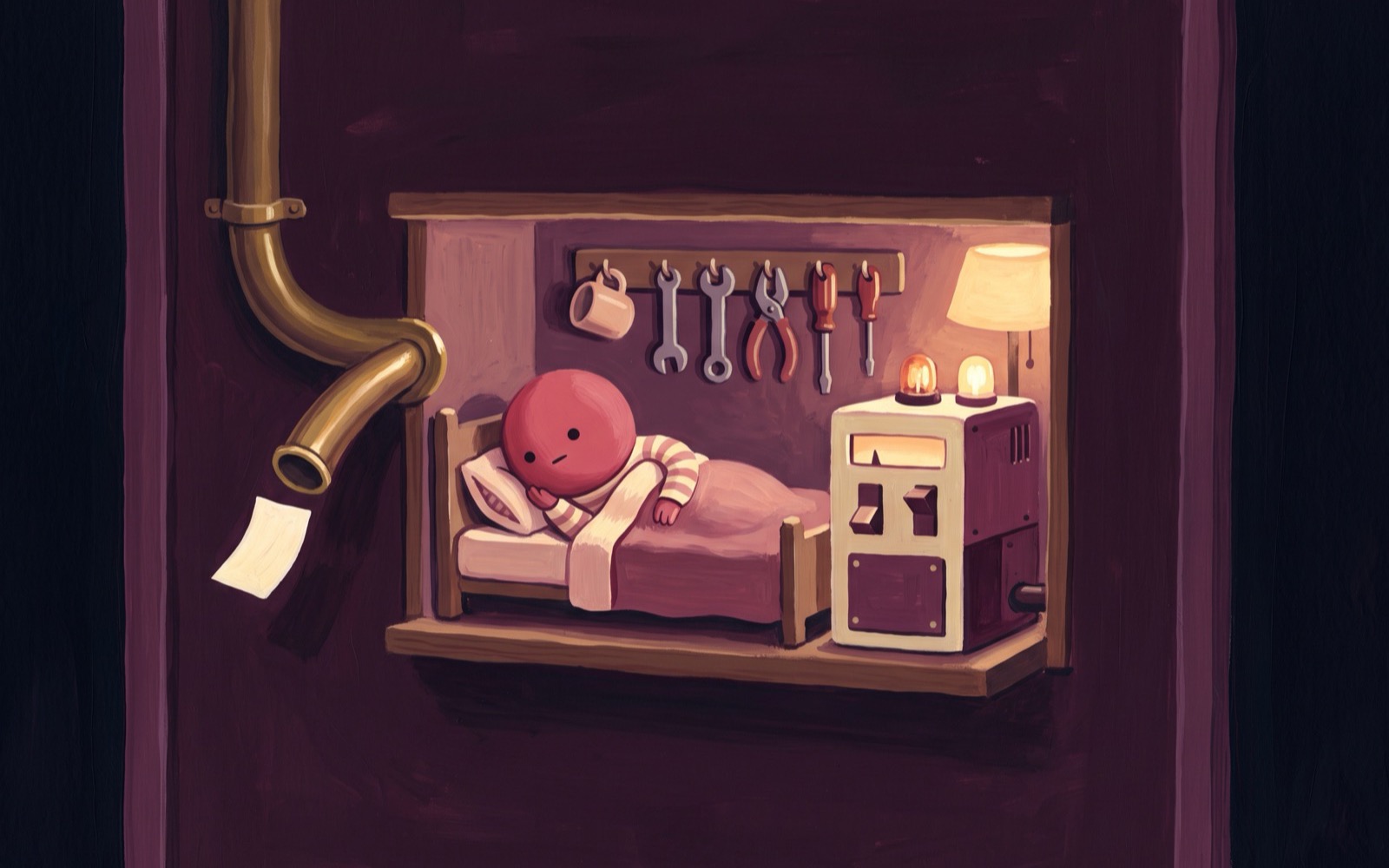
We hit the same wall building this. The first version of the automation daemon inside a boxd machine polled the platform every three seconds for new events. Each poll is a TCP round trip through the machine's virtual network card, and the idle detector counts every packet as activity. A machine running any automation at all could never satisfy its own idle timeout, so it could never suspend, so it could never be cheap. The trigger was inside the machine, and the machine could not sleep with it in there.
A second problem hides under the first. A sleeping machine's clock is frozen. A crontab entry or a systemd timer on a suspended machine does not fire late. It does not fire at all, until something else wakes the machine and it notices the time. Keeping the trigger inside means you cannot let the machine sleep even when you want to.
Keep the trigger on the platform
What we did instead is take the trigger out of the machine, hold it on the platform, and make waking the machine the platform's job.
An automation on boxd is a TypeScript file on the machine that imports from @boxd/run. It registers a schedule with every(...) or subscribes to an event with .on(...), and that is what turns a script into a background job:
// daily-digest.run.ts
import { linear, slack, every } from "@boxd/run";

every("0 9 * * *", async () => {   // 09:00 UTC, every day
  const { user: me } = await linear.getCurrentUser();
  const issues = await linear.listIssues({ assignee_id: me.id });
  const { user } = await slack.findUserByEmailAddress({ email: me.email });
  const dm = await slack.openDm({ users: user!.id });
  await slack.sendMessage({ channel: dm.channel!.id, markdown_text: `${issues.length} issues on your plate today.` });
});
Schedules. The cron expression is evaluated inside the machine. What leaves it is one number: the next time any job needs to fire, handed up to the platform and stored in its replicated state. The platform is an alarm clock, not a scheduler. A sweep on the control plane checks every twenty seconds for hibernated machines whose alarm is due and wakes them. A machine with no schedules arms nothing, and sleeps until something arrives.
Events. These go the other way. A script's subscription is created on the platform, one per organization, event and configuration, and the webhook arrives there, not at the machine. The platform writes it into its replicated log, and the worker hosting the machine pushes it into the guest, waking the machine first if it is hibernated. The event waits up to fifteen minutes for the machine to come up and is acknowledged only once it is safely inside.
The inversion is the whole point. An idle job makes no network calls of its own, so having an automation on a machine no longer keeps that machine awake. It suspends and hibernates like any other machine on boxd. Standby, with memory frozen in RAM, wakes in under a millisecond. Hibernation, with memory written to disk and released, wakes in about 85 milliseconds and bills disk only. From inside the machine the clock jumps forward and the next event is there.
The environment should not be rebuilt either
There is a family of platforms that solves the sleeping problem by having no machine at all. GitHub Actions on a cron. A serverless function on a timer. A workflow runner that starts a fresh container for every run. Nothing is billed between runs because nothing exists between runs.
The cost moves to the start of every run instead. Check out the repository. Install the dependencies. Restore the cache, if the cache survived. Mount the data. Log in to the tools. For a job that does forty seconds of work this is routinely two minutes of setup, and for an agent loop it is worse, because the agent's own context goes with the container: its scratch files, the notes it wrote itself, the half-built model of the codebase it spent the last run assembling. Every run starts from nothing and has to be told what the previous run learned.
A machine waking from hibernation skips all of it, because nothing was lost. The same memory comes back. The same processes are running. The dependencies are installed because they were installed last time. The database connection is the one that was open. The agent's working directory is where it left it. And a script that wants state to survive its own restarts gets object("digest"), a JSON object persisted on the machine's disk, with no store to stand up.
With a fresh container you do the setup on every single run. With a machine that sleeps you do it once, when you set the machine up, and never again.
There is no deployment target
The other thing that goes away is the deploy.
Every boxd machine ships with Claude Code, Codex and OpenCode, signed in, and told how automations work here. So the agent that writes the automation runs on the machine the automation will run on. Connect to a machine and say what you want:
> every morning at 9, post my open Linear issues to myself in SlackThe agent checks which integrations your team has connected, connects what is missing, writes daily-digest.run.ts, runs it once against real data, and starts it:
$ run daily-digest.run.ts

a3f01: running in the background - `run logs a3f01` to follow
That line is the deployment. The file is on the machine, the machine holds the job, and from then on the job follows the machine's lifecycle. Edit the file and run it again and the job is replaced under the same id, without churning its subscriptions. Fork the machine and the fork inherits every job and starts them. Restore a snapshot and they come back with it. A few minutes later the console has generated a name, a summary, the triggers in plain English and a flow diagram from the source, so the rest of the team can see what it does without reading the file.
The credentials never enter the machine either. A call like linear.listIssues goes out through the worker hosting the machine, which holds the key and resolves which connected account the call runs as. A script that imports an integration that is not connected yet is registered as waiting, visible in the console, and starts by itself once the connection is made.
The standard for agents and automations
The two properties that make this work are not specific to boxd. The trigger lives outside the machine, and the machine sleeps and wakes in milliseconds. Put those two together and the unit of automation becomes a whole computer that is off until the moment it is needed, and back to exactly where it was a few milliseconds later.
That matters more for agents than for cron jobs. An agent loop carries state that is expensive to rebuild: the files it wrote, the tools it installed, the picture of the codebase it built up over the last run. A container that is torn down between runs throws all of that away, and the agent starts every run by relearning what it already knew. A machine that hibernates keeps all of it, and the price of keeping it is disk.
Once a wake is measured in milliseconds, a machine per automation, per agent or per user stops being wasteful. The economics are those of a function call. You pay for the seconds the work takes, and the whole environment is there when it runs. Persistent machines with an external trigger give you the cost of serverless and the state of a server.
The platforms that run automations today were built around machines that could not sleep. The per-run container, the deploy step and the closed list of connectors are all ways of coping with that. We are convinced that a machine that sleeps until the platform wakes it is the shape agents and automations will settle on, and we expect the rest of the industry to arrive there in a matter of months.
Integrations and automations is where to start.