
On this page · 6 min
Ask your assistant to check something for you every morning. Then close the tab. Nothing checks anything, because there was never anything there except a conversation and a model at the other end of it.
That is fine when you want answers. It stops being fine the moment you want the assistant to do work on a schedule, with your accounts, and to still know on Thursday what it started on Tuesday.
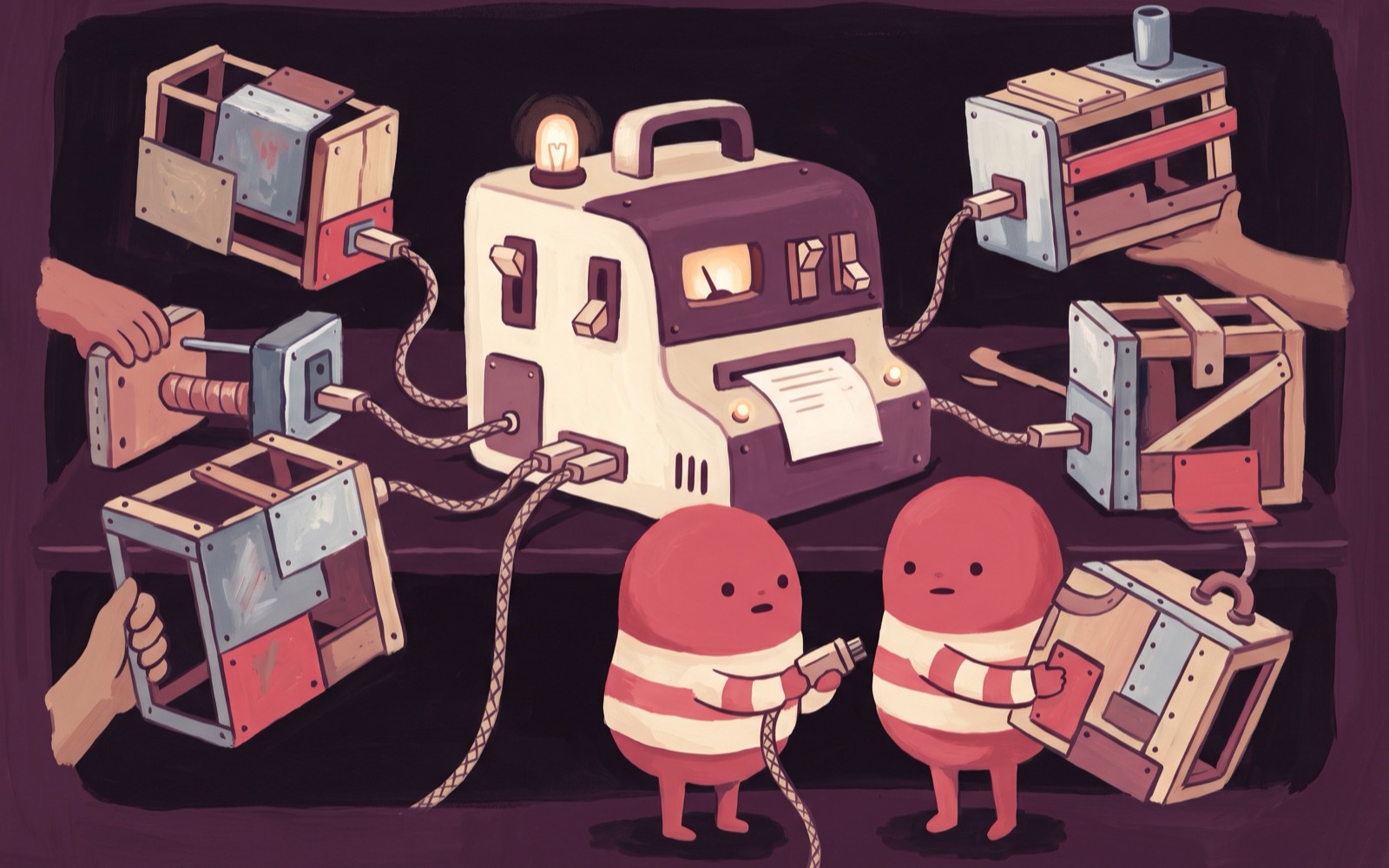
We watched people solve this the hard way for a while: a memory layer, a credential store, a job runner, a callback endpoint, each one built in application code and each one a worse version of something a computer already has. A disk remembers things. Cron runs jobs. An environment holds secrets. A URL takes requests. So give the assistant a computer and stop reimplementing one.
What the assistant actually keeps
Put an assistant on a boxd machine and five things stop being your problem, because they are no longer features. Its files sit on a persistent disk. So do its notes, which is the memory you were about to build a database for. Its cron jobs stay installed between conversations. Its tool logins stay logged in. Its half-finished work is still half-finished tomorrow, in the same directory, at the same line.
The machine also answers webhooks at its own public HTTPS URL. That is the difference between something you poll and something that can be reached. A chat app, one of your own services, or another agent sends a request, and the assistant is there to take it.
None of that is configuration. It is what having a computer means, and it is why this shape holds up better than a framework faking the same five things against a database.
Putting an assistant on it
Anything that runs on Linux can live here. Hermes, OpenClaw, whatever you have been meaning to try.
Hermes by Nous Research is the one boxd ships a skill for. It is a self-improving command line agent with a built-in messaging gateway for Telegram, Discord, Slack, WhatsApp and Signal, which is a useful combination: the agent has somewhere to live and you have somewhere to talk to it from.
One command installs it:
/boxd-setup-hermesRun that from Claude Code on your laptop. The skill creates or reuses a machine, then installs Hermes over boxd machine exec. You can also run it inside any machine, where the skill comes pre-baked. Either way you end up in the same place, which is an assistant installed on a machine that belongs to you.
The skill runs Hermes' official installer and then hands you the two steps that have to be interactive:
hermes setup     # pick an LLM provider, paste an API key
hermes           # start the agent
It can also expose Hermes' messaging gateway on the machine's public URL, so your chat apps reach the assistant on the address the machine already has. Skills has the full list of what gets installed.
To be clear about what we did and did not build: Hermes is an independent project by Nous Research. The skill automates installing it on a boxd machine. We have no opinion on which agent or which model you run, and the machine does not care either.
If you would rather not add anything, Claude Code, Codex and OpenCode already ship on every machine. ssh mybot.boxd followed by claude is a personal assistant with a computer, and Coding agents covers that path properly.
The tools arrive with the machine
An assistant is worth exactly as much as the accounts it can reach. Connect integrations once, at the account level, and every personal machine you own carries working credentials for them.
| Integration | What lands on the machine | What the assistant can then do |
|---|---|---|
| Slack | SLACK_BOT_TOKEN and SLACK_USER_TOKEN in the environment | read channels, post as the bot or as you |
| Linear | LINEAR_ACCESS_TOKEN in the environment | read and file issues over the GraphQL API |
| GitHub | git and gh, working, with nothing to configure | run against your private repositories |
The coding agents on the machine find these on their own. An assistant framework brings its own configuration file, so point that file at these environment variables wherever it expects credentials. The values are already there. Wiring it up is a reference, not a copy-paste.
The GitHub one earns its own sentence, because it covers far more than GitHub. Any tool your assistant shells out to inherits a git and a gh that already work. You describe the task and skip the plumbing.
One place for every other key
Integrations cover the accounts boxd knows about. Your assistant will want more than that: the API key for its LLM provider, and keys for whichever of your own services you point it at.
Those go in once through env vars and secrets, and boxd injects them into every machine you own. Secrets are sealed at rest and cannot be read back out, including by you, which is the correct trade and occasionally an annoying one.
The effect is that a new machine is useful the moment it exists. No first-hour ritual of pasting tokens into a fresh box before the thing can do anything.
Keep it awake
A boxd machine hibernates after an idle timeout. For most work that is exactly right, and it is why an idle machine costs almost nothing. An assistant with background tasks is the honest exception: a scheduled job needs a machine that is still running when the schedule fires.
boxd machine config set mybot auto-hibernate.timeout 0That turns hibernation off, and we should be straight about the trade. You have just disabled the thing that makes idle machines cheap, in exchange for an assistant that keeps its own clock instead of borrowing yours. For a bot that wakes up at 7am and files your issues, that is a trade worth making. For an assistant you only ever talk to directly, leave the timeout alone.
What changes
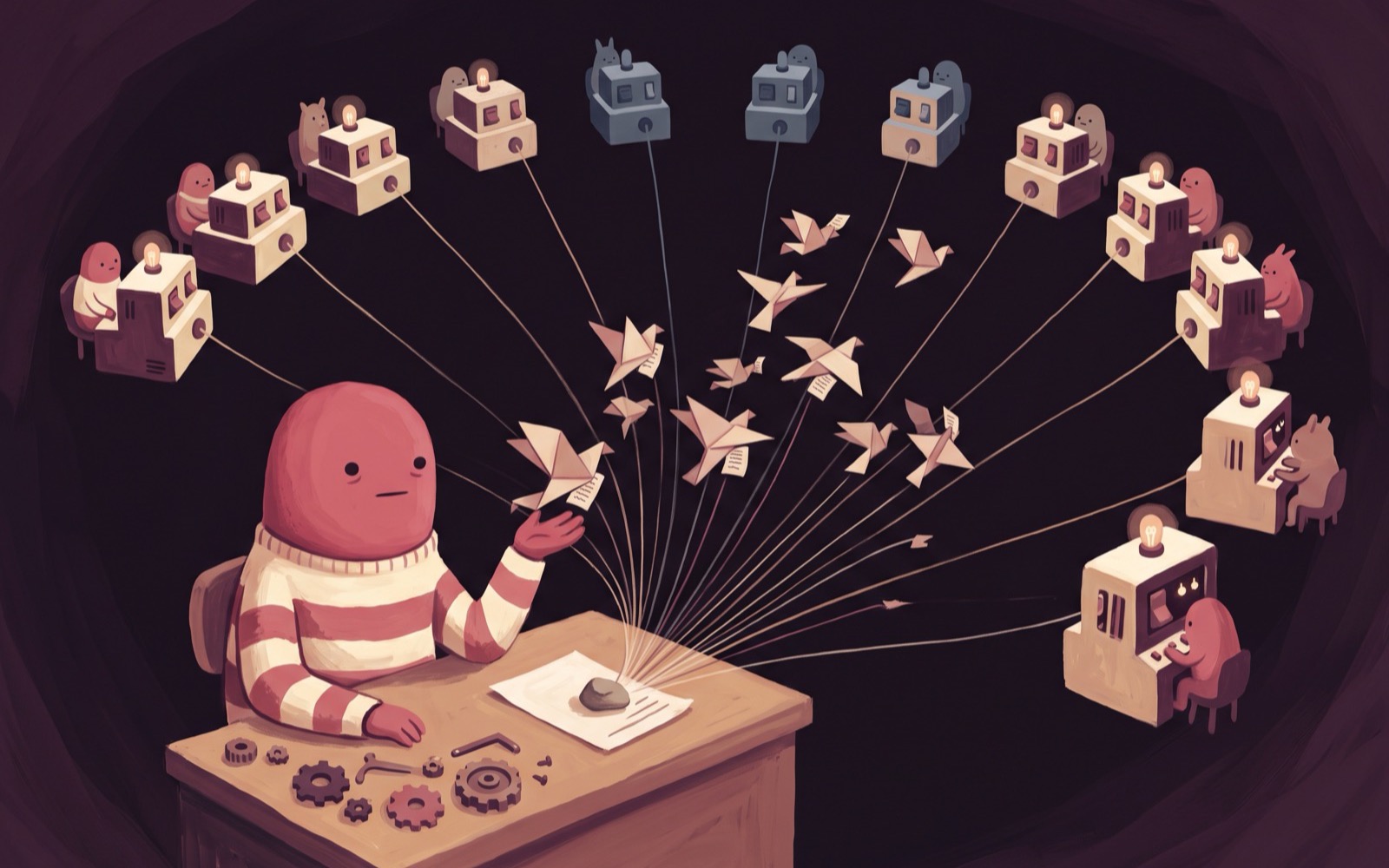
Your assistant stops being a session and becomes a process.
It keeps its files between conversations. It runs jobs while you are asleep. It reads your Slack and files your Linear issues with credentials it never had to ask you for. It answers a request at a URL that does not move. And when you want to know what it has been up to, you ssh mybot.boxd and look, because there is a real machine there to look at.
That last part cuts both ways, and it is the fairest thing we can say about this approach. A real machine has real machine problems: disks fill up, processes die, logs need reading. In return you get an assistant whose state you can inspect with ls instead of reverse-engineering out of a vector store.
Start with one machine and one assistant on it. Give it a single job that has to happen without you in the room, and see whether it is still doing it next week.