On this page · 9 min
Why the place matters
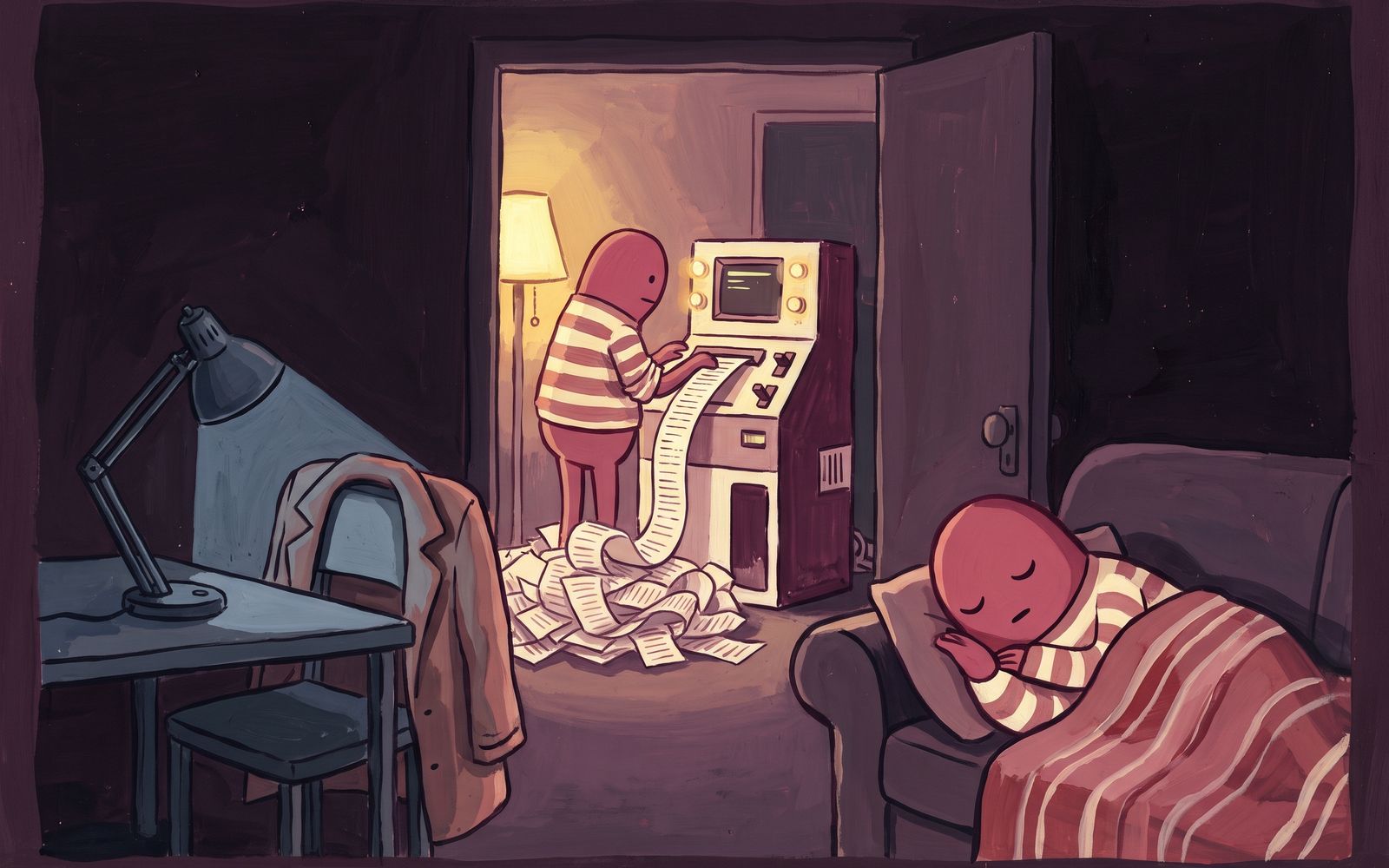
A background agent rarely finishes in one go. Consider a typical run. The agent opens a pull request, and CI takes most of an hour. Later that day a reviewer asks for a change to one function. The agent now has to continue: the branch must still be checked out, the dependencies must still be installed, and the agent must still know what it tried before.
If the place it ran in stopped while CI ran, the agent starts again from the repository and rebuilds everything it had. If the laptop went to sleep, the agent stopped as well, and nothing ran the CI check or answered the review. Where the agent runs decides whether the wait costs minutes or the whole run.
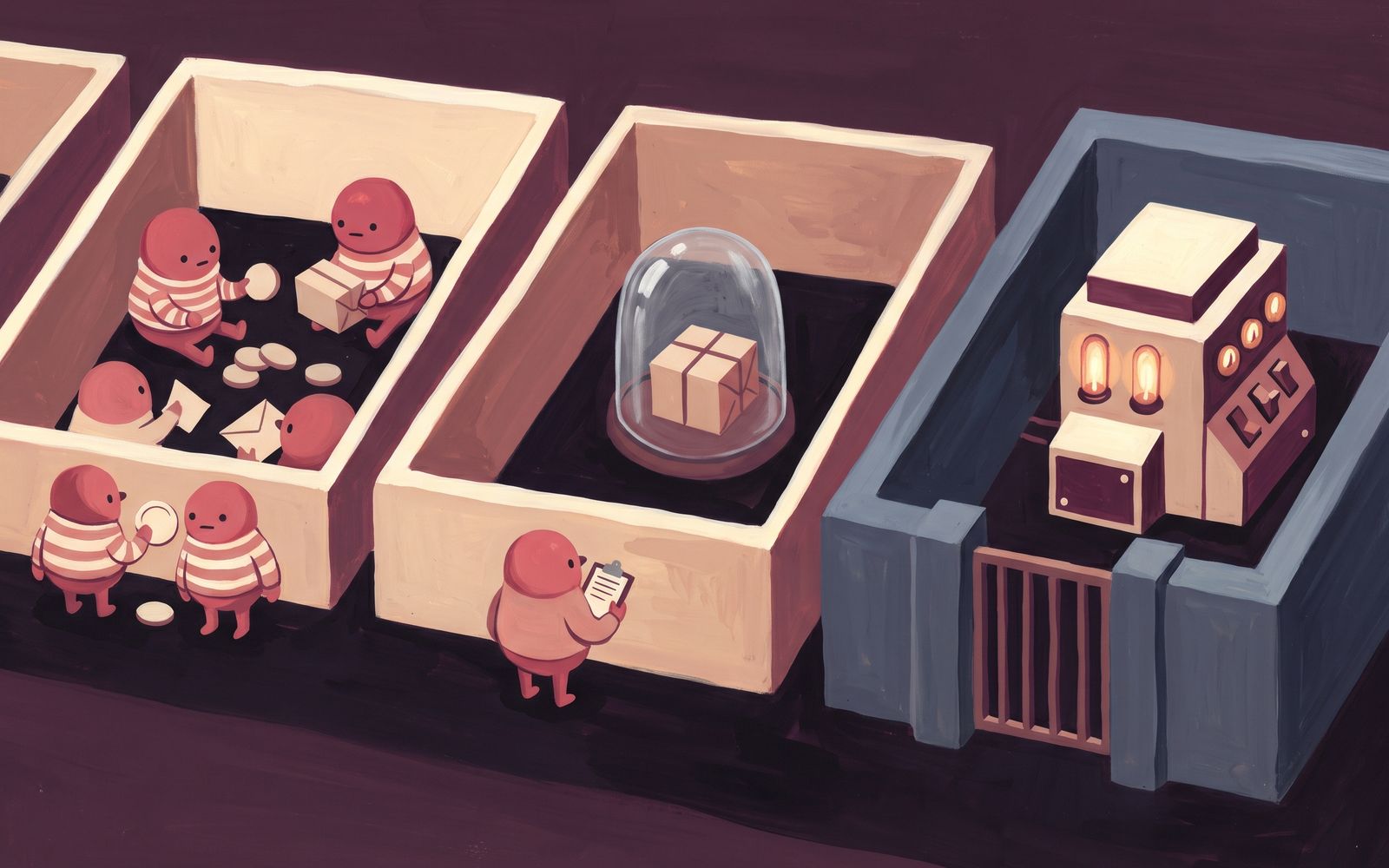
Teams running several agents hit the same problem sooner. Ten tasks in parallel need ten places to work, and each one has to be there when its task comes back. A single laptop cannot be that place, and a fresh environment for every task means setting up the same thing again and again.
What cloud agents keep while they wait
Three kinds of state matter, and it helps to keep them apart:
- Files: what is on disk, such as the checked-out branch, the installed packages and the build output.
- Processes: what is running in memory, such as a dev server or a test watcher. Some places keep these while the agent waits. Others stop them.
- Run state: what the agent is doing, such as the task, the conversation so far and the pull request it opened.
Most places keep files. Fewer keep processes and memory. Run state is the easiest part to overlook. A machine can die, be replaced or be recycled, and the agent should not lose its place when that happens. PostHog, which runs its own cloud agents, put it plainly in its runtime post: "plan for the sandbox to die. The run shouldn't." Their runs keep their state outside the sandbox, so a new sandbox can pick up the work.
The other piece is the snapshot. A snapshot is a saved starting state: the repository cloned, the dependencies installed and the tools set up. Each new task starts from that saved state instead of installing everything again.
Two terms come up below. Standby is a machine's paused state: it keeps memory and processes and resumes where it stopped. A session cap is a limit on how long one running sandbox or session can stay up before the platform stops it.
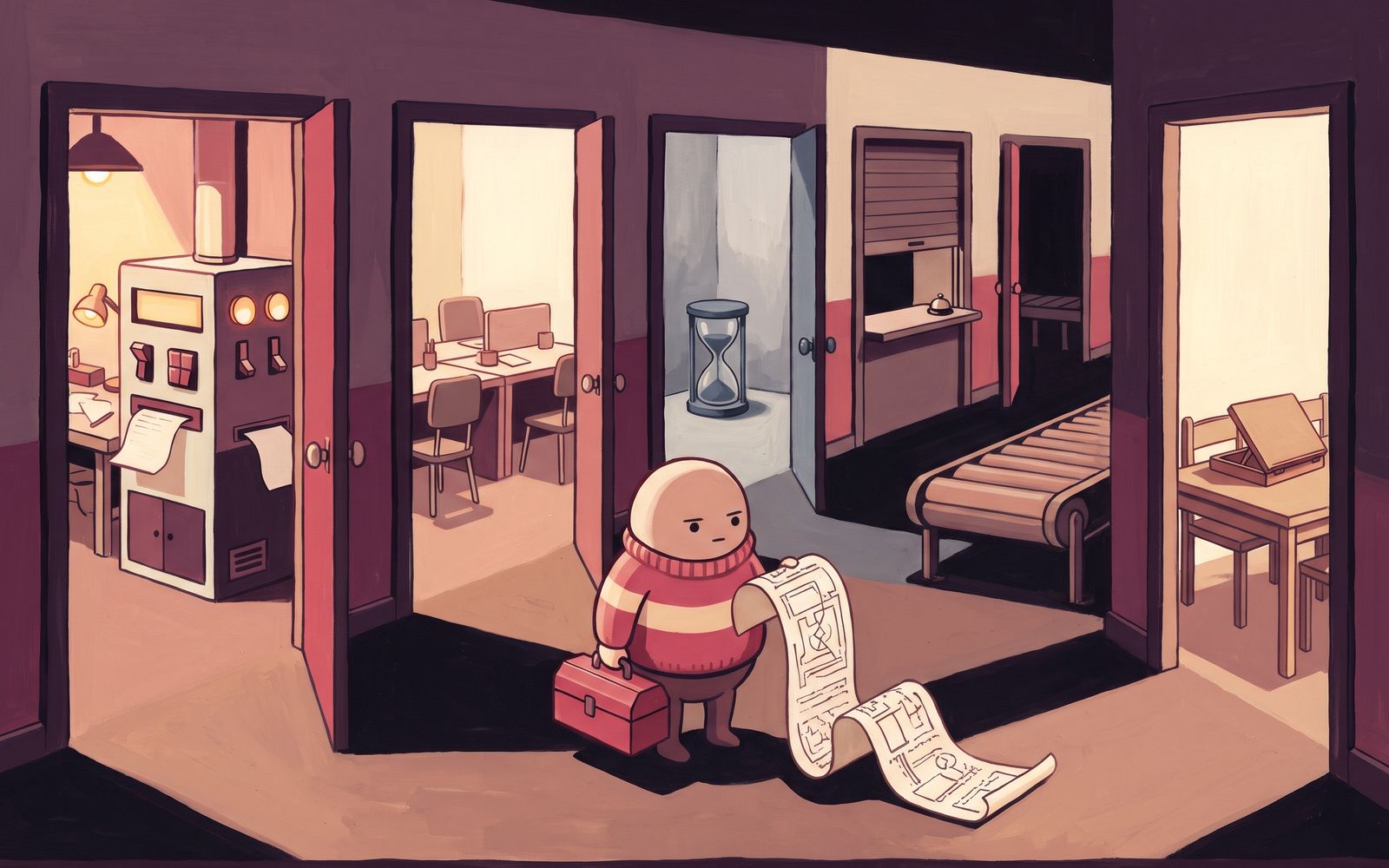
The six places cloud agents run
| Place | What it keeps while the agent waits | Limit you will hit | Good for |
|---|---|---|---|
| Persistent machine (boxd, Sprites, Fly Machines) | Files, memory and processes while in standby | Sprites pause after about 30 seconds idle; Fly Machines pause only up to 2 GB of memory | Agents that wait for hours or days, or run many at once |
| Dev environment (GitHub Codespaces, Coder) | Files; running processes stop when the environment stops | Codespaces has a 12-hour maximum lifetime | A person working in an IDE |
| Disposable sandbox (E2B, Modal, Daytona) | Files; memory only with pause or snapshot options | E2B's Pro plan limits a running sandbox to 24 hours | Short tasks you rebuild from git |
| Vendor-hosted agent (Cursor, GitHub Copilot) | The vendor's sandbox, branch and session | GitHub's Actions-based Copilot sessions stop at 59 minutes | Teams that want no infrastructure and use that tool |
| CI runner (GitHub Actions) | A self-hosted runner keeps its machine between jobs | The job ends with the run | One CI job that ends with a pull request |
| Laptop | Files, processes and your logins, while the laptop is awake | Stops when the laptop sleeps or closes | One task you watch |
The laptop comes last because it stops when the lid closes. Limits are as of November 2026 and change, so check the vendor's page before you commit.
Persistent machines keep disk and memory across waits. An idle machine goes into standby, keeps its processes and resumes where it stopped. boxd, Sprites and Fly Machines all work this way. Sprites, from Fly.io, suspends after about 30 seconds idle, wakes in 100 to 500 milliseconds and takes checkpoints automatically. Fly Machines can suspend a machine, but only when it has 2 GB of memory or less, and its disk is blank on every start unless you attach a volume. The cost is that you manage a machine that outlives the task, so its size, its updates and its cleanup are yours.
Dev environments are built for a person working in an IDE, and they do that well. GitHub Codespaces supports devcontainer.json, a file that describes the environment, and browser-based VS Code. It is wired into GitHub's repositories and pull requests. Its limits are the cost: a codespace has a 12-hour maximum lifetime, and stopping it stops running processes. Coder is self-hosted, so you run it on your own infrastructure, and how isolated a workspace is depends on the template you write. Ona, which was formerly Gitpod, is now part of OpenAI and is closed to new customers, so it is not an option for a new team today.
Disposable sandboxes are built around a fresh start for each task. E2B, Modal and Daytona all offer them. The cost is the cap. E2B's persistence docs limit a running sandbox to 24 hours of continuous runtime on its Pro plan. Pausing and resuming resets that count, and pause keeps memory by default, so a paused sandbox carries on where it stopped.
Vendor-hosted agents need the least setup. Cursor's cloud agents each run in an isolated VM with the repository, dependencies and secrets your team configures. The docs describe no run limit. GitHub's Copilot cloud agent can run in a cloud sandbox or on GitHub Actions. Its Actions-based sessions have a maximum execution time of 59 minutes, which cannot be extended. You run no infrastructure, but you work inside that vendor's tool and its limits.
CI runners are already in the pipeline, so an agent that runs as a job needs no new place. A self-hosted runner is a machine you run yourself, and it is not reset between jobs, which means files and installed software carry over. GitHub's self-hosted runner docs say you are then responsible for keeping the operating system and software up to date. A CI runner suits work that ends when its job ends. It is a poor fit for an agent that has to wait for a person.
The laptop keeps everything you have: your logins, your local files and the tools you already set up. The cost is that the agent ends when the laptop does. It works well when you are at the keyboard, and it fails the moment you close the lid.
How to choose
Pick the simplest place whose limit your task never reaches. Here is a rule for each option:
- Persistent machine: the task waits longer than a session cap, or many agents run for hours. This is where boxd fits. Three reasons to check: it has no session cap, so the wait is not limited; standby keeps memory and processes, so the agent resumes where it stopped; and you can save a snapshot of a ready environment and start each task from it, or fork a running machine.
- Dev environment: a person is the main user of the environment, and the agent helps them.
- Disposable sandbox: the task finishes inside the sandbox's cap, and everything it needs can be rebuilt from git. If it has to remember a conversation across days, it does not fit.
- Vendor-hosted agent: the vendor's tool does the job, and the task finishes inside that vendor's limit. Check the limit first: a task that can run longer than 59 minutes does not fit Copilot's Actions-based sessions.
- CI runner: the agent's work is one CI job that ends with the pull request. If the job has to wait for a person, use another place.
- Laptop: you will watch the task, and it needs your logins or local files. If you will not watch it, use another place.
Two cautions for a persistent machine. An idle machine hibernates after four hours without network traffic by default, and a hibernated machine writes its memory to disk and stops. If your agent may wait longer than that, turn hibernation off when you create the machine with --auto-hibernate-timeout=0. Standby is off by default. Set --auto-suspend-timeout when you create a machine to have it pause after that many idle seconds. The standby and hibernation guide covers both states, and the use case for coding agents shows the pattern of one machine per agent.
You do not need any of this when the task is small. One change you watch on your laptop, finished in a single sitting, needs no extra place at all.
The decision
The agent waits, so choose the place that keeps what it needs while it waits. For a short job, use CI or the laptop. For a task that waits for hours, or for many agents at once, use a persistent machine.
To try boxd, install the CLI and sign in:
curl -fsSL https://boxd.sh/downloads/install.sh | sh
boxd auth login
The installer puts the boxd command on your machine, and boxd auth login signs you in. Then create a machine for your first agent task with boxd machine new <name> --auto-hibernate-timeout=0, which keeps it from hibernating while it waits. The commands reference lists the rest.
Frequently asked
- What is a cloud agent?
- A cloud agent is a coding agent that runs its task on a remote machine and hands back a branch or a pull request, so it keeps working when your laptop is closed.
- Where can cloud agents run?
- In one of six places: a persistent machine, a dev environment, a disposable sandbox, a vendor-hosted agent, a CI runner or your laptop. Pick the one whose limits your task never reaches.
- Do cloud agents have a time limit?
- It depends on the place. GitHub's Copilot cloud agent sessions that run on GitHub Actions stop at 59 minutes, and E2B's Pro plan limits a running sandbox to 24 hours. Cursor's cloud agent docs state no run limit. boxd machines have no session cap.
- What is the difference between a sandbox and a persistent machine?
- A disposable sandbox starts fresh for each task and is usually capped in how long it runs. A persistent machine keeps its disk across waits and, in standby, its memory and processes. On boxd a sandbox is a persistent machine, usually an isolated one.
- Does a CI runner keep files between jobs?
- A self-hosted runner is not reset between jobs, so files and installed software carry over, and you keep its operating system and software up to date.