On this page · 5 min
You have three things to move forward and one computer.
Worktrees are supposed to handle that. On a real stack they do not. There is one database. The ports collide. The dev server only comes up in one tree. Put two agents in the same checkout and they write over each other, and then you spend the afternoon working out who changed what.
So you do them one at a time. Start an agent, wait for it, review it, start the next. Your machine is idle for most of that, and you are the one holding up the queue.
One machine, then several
A development environment used to be a laptop, with a single checkout, a database, and the app running against it. That shape assumes the work happens in single file.
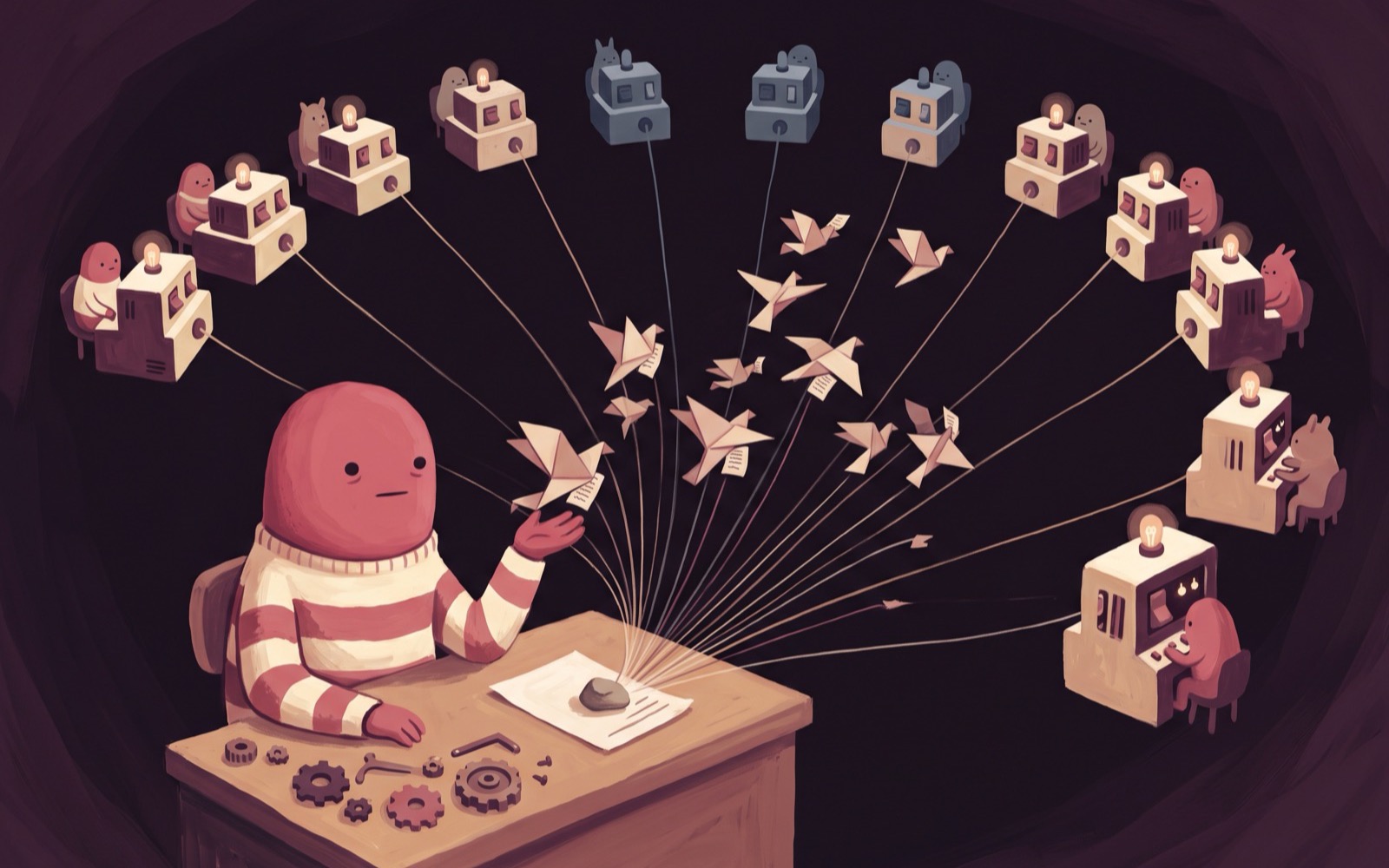
Ours is a set of machines: one you work on, a copy of it for every task in flight, and a URL on each. The number goes up and down with what you have on that day.
It starts with one machine, which is a full Ubuntu VM with its own kernel, 8 GiB of RAM, a persistent disk, root, and a public HTTPS address. Everything you would install on a laptop installs here, the coding agents are already on it, and your editor connects to it over SSH.
The commands for all of that are in Development workspaces in the docs, so this page stays on the idea.
A copy per task
Set that first machine up once. Dependencies installed, database seeded, dev server running. Then treat it as the thing you copy rather than the only place you work.
boxd machine fork myapp myapp-billingA fork copies the running machine, memory and processes included, in milliseconds. The copy comes up with the database already seeded and the server already listening, at the state that took twenty minutes to reach.
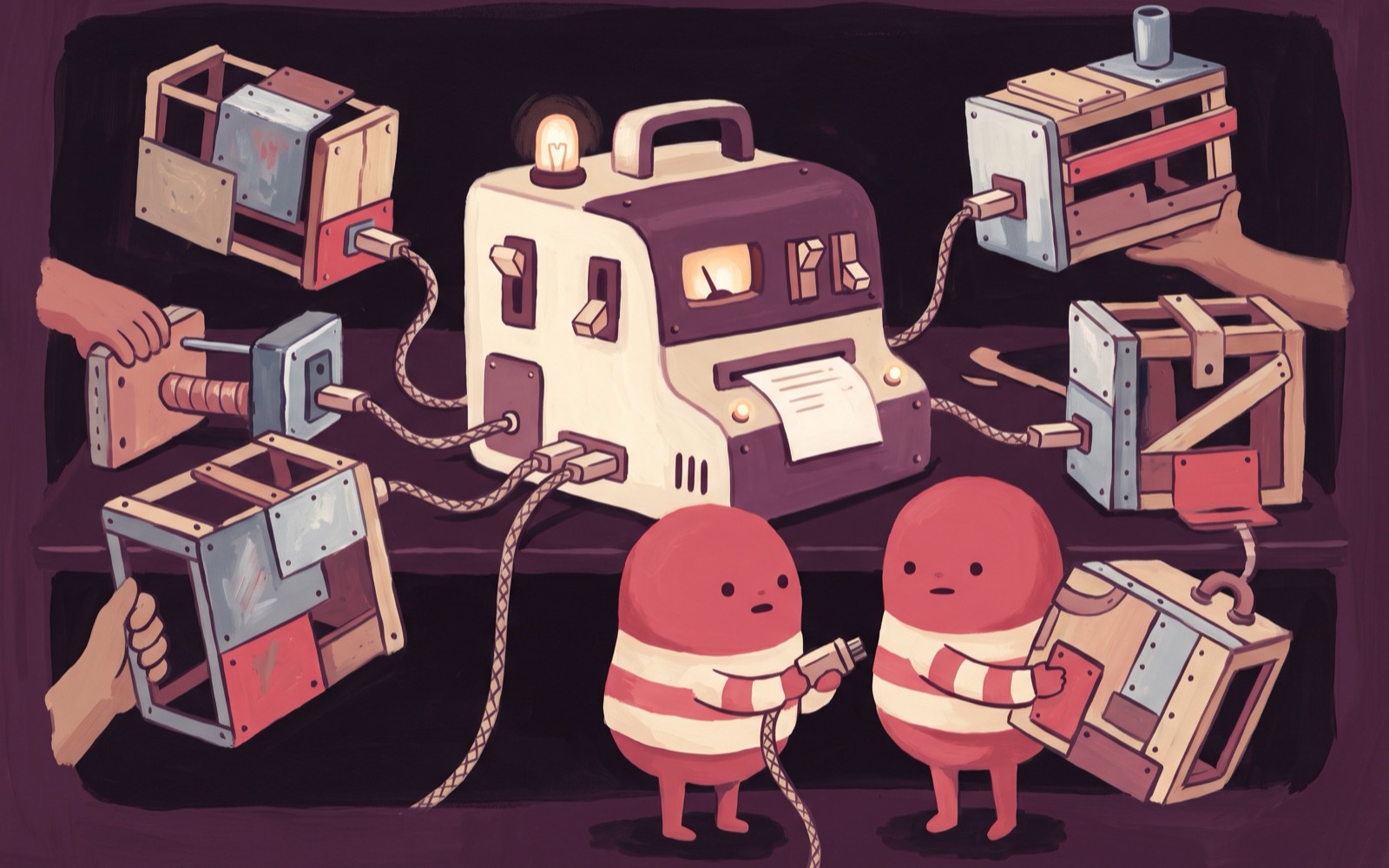
Now each task has a computer. The billing refactor has its own database. The search branch has its own port 3000. An agent working in one cannot reach the other, and neither can reach the machine you are typing in.
That is what makes running several agents at once workable rather than something you try once and give up on. See Fork and Coding agents.
Every machine has a URL
Each machine serves https://<name>.boxd.sh as soon as something listens on its port, with TLS handled. There is nothing to deploy.
So reviewing a branch stops meaning "check it out and run it locally". You open the URL and click around. A designer opens it on a phone. A support engineer reproduces a bug against the exact working tree you are holding.
Taking over a machine
An agent gets stuck, or a colleague needs to see the thing rather than a screenshot. Share the machine and every member of your org can connect to it and work in it directly, on its current state, with its running processes in place.
Sharing removes your personal agent logins first, so a teammate cannot read your tokens out of a config file. If they want to take it their own way, they fork it and the fork is private to them. See VM sharing.
One base machine for the team
Save the machine you set up properly as a named image, and create new machines from it.
boxd snapshots save myapp baseA snapshot holds memory and disk, so a machine created from it starts with the services already running. It outlives the machine it came from, and re-saving it captures a new version.
That changes onboarding. Today a new hire rebuilds your environment from a README and hopes the README is current. With a snapshot they are handed the environment itself and spend their first hour reading code.
Two more things belong to the team rather than to one machine. Env vars and secrets are set once and injected into every machine you own. Integrations connect GitHub, Linear and Slack once, and every machine can use them after that.
When something goes wrong on one machine, a checkpoint rewinds that machine to a save point without touching the others.
What a fleet costs
A machine with no network traffic, in or out, hibernates on its own. State goes to disk and it costs almost nothing while asleep. The next connection or request wakes it in milliseconds, where you left it.
That is what makes the number stop mattering. One machine per developer is obviously fine. One per developer, plus one per task in flight, plus the two from last week nobody cleaned up, is also fine.
One caveat before it bites you: the idle timer watches network traffic, not CPU. A long build that sends and receives nothing looks idle and gets hibernated mid-job, so turn the timer off on machines that work quietly. Suspend, resume, and hibernate covers it.
What this is bad at
Two honest limits.
It is a remote machine, so it needs a network. Good connectivity makes SSH feel local and bad connectivity makes it feel like SSH. On a plane with no wifi you have a laptop and your local checkout, and we are not going to pretend otherwise.
It is also Linux. If your build produces a macOS or iOS binary, that step still belongs on a Mac. Plenty of teams keep the server, the tests, and the agents on boxd machines and leave the platform-specific build where it has to be.
Start with one project
Do not move the whole team on a Tuesday. Take one project, set up one machine properly, and run the full suite on it.
Then snapshot it, and fork it the next time you have two things to do at once.
Development workspaces in the docs has the commands for each step.