On this page · 6 min
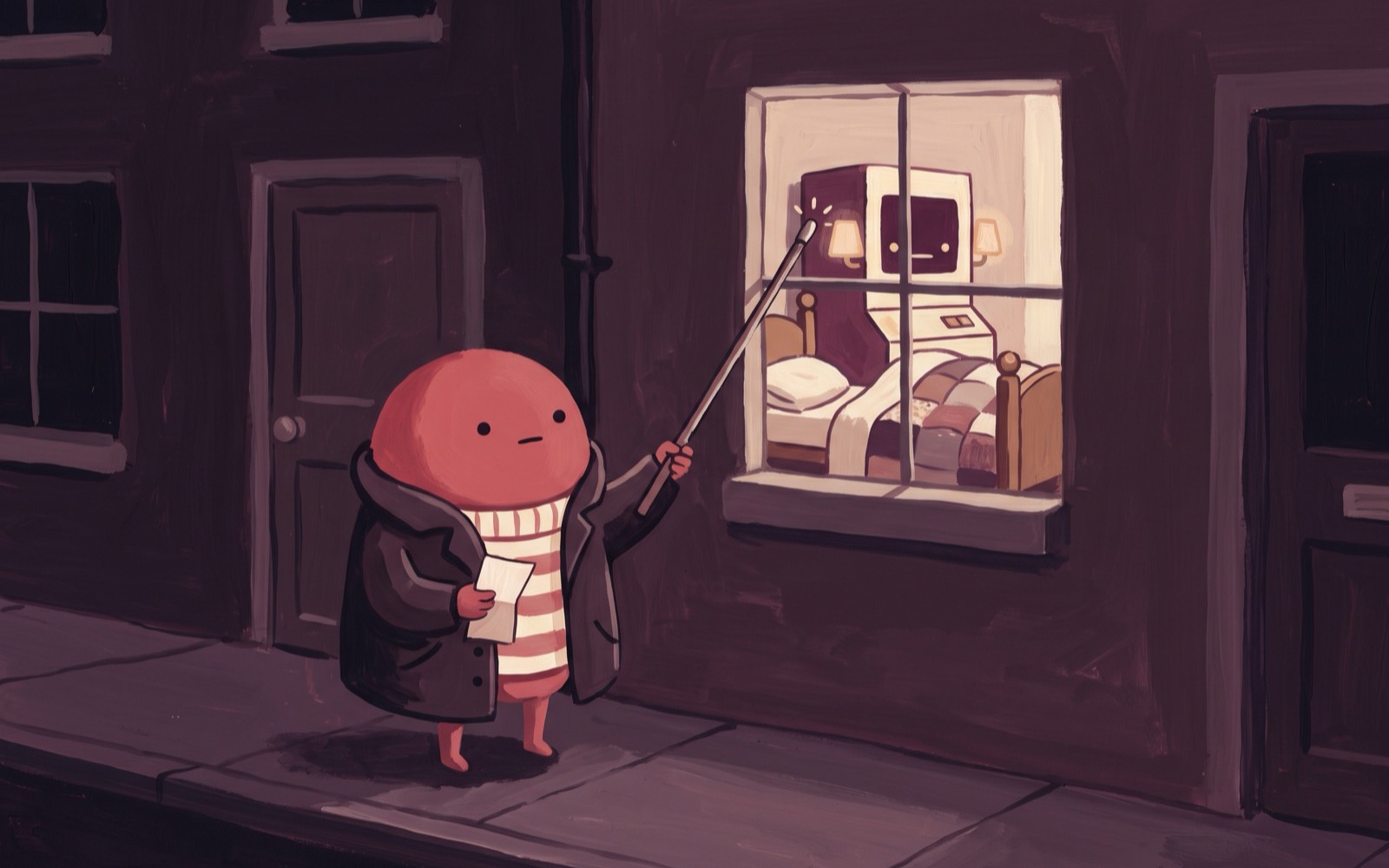
Your reviewer has the diff open. They can see that a button moved, that a query grew a join, that a migration appeared. What they cannot see is whether the thing still works.
So they approve it anyway. Not out of carelessness: the alternative is pulling the branch, installing the dependencies, running the migrations and booting the server on their own laptop. Twenty minutes, per reviewer, per pull request. Nobody does that twice.
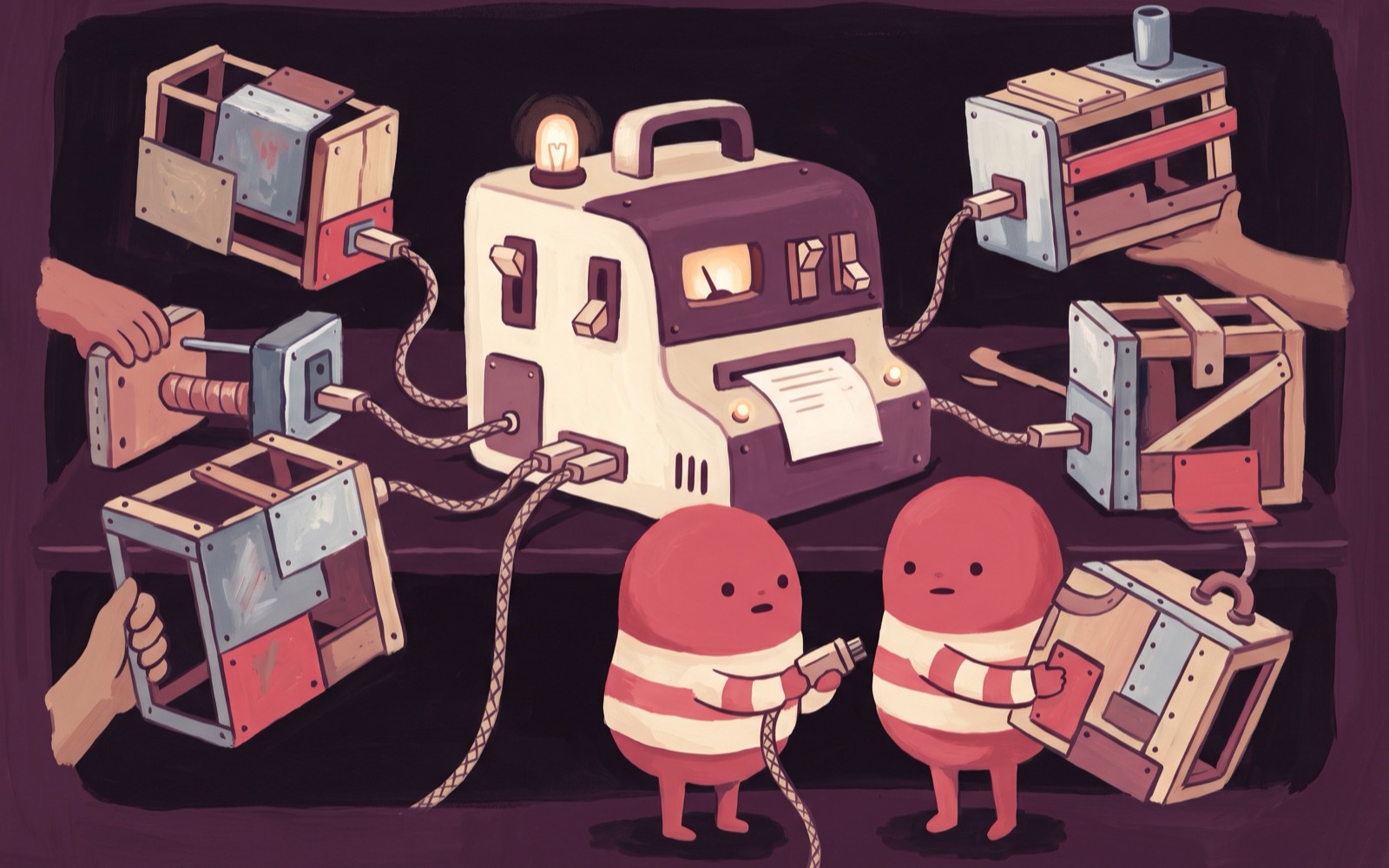
The usual answer is a shared staging box, and we think it is a poor one. Staging is one machine, so it holds one branch. Two open pull requests become a queue, somebody deploys over somebody else's test, and the person waiting goes back to reading the diff.
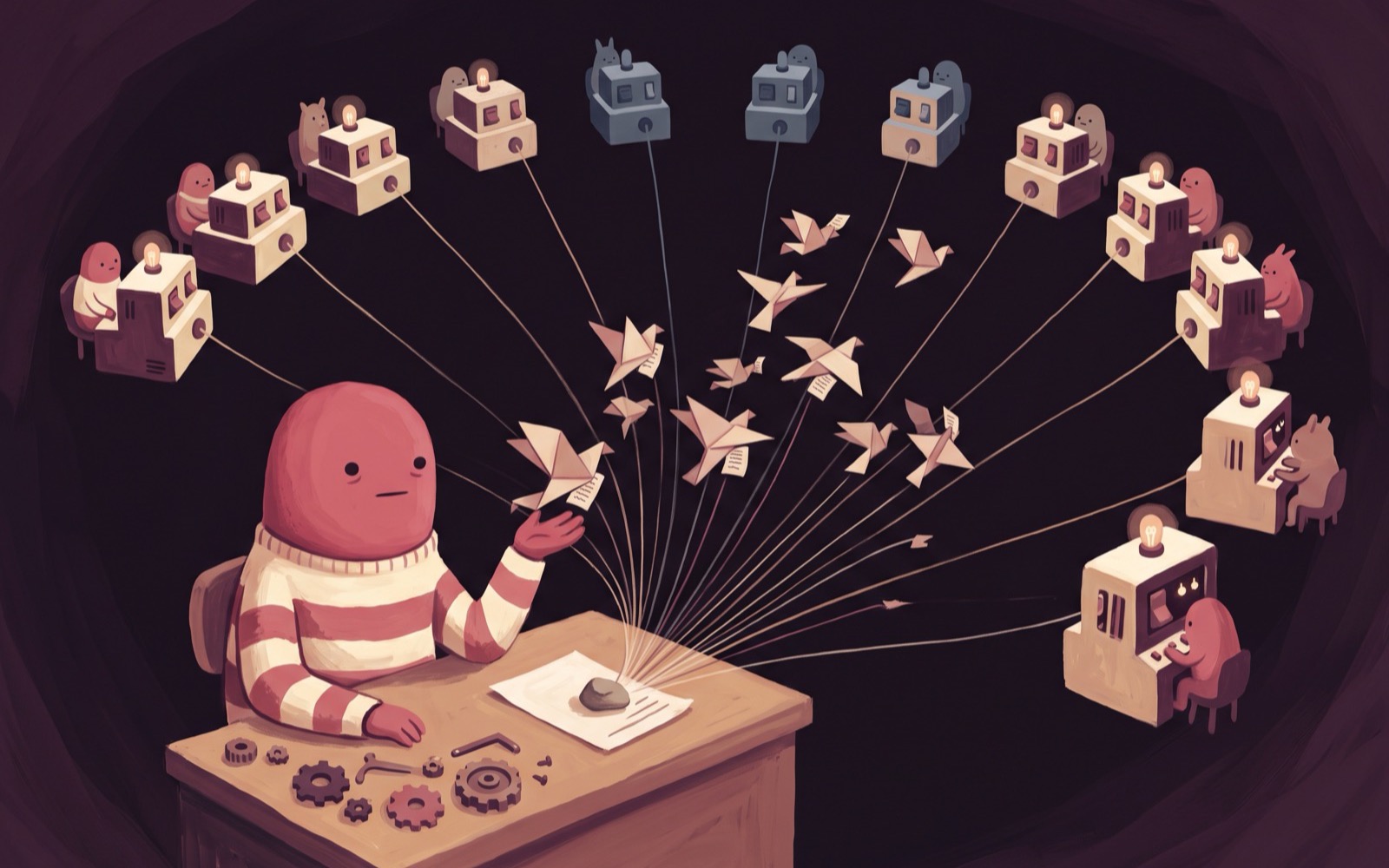
A preview environment deletes the queue. Every pull request gets its own machine running that branch's exact code, at its own URL, posted on the pull request. Reviewers click a link. Two of them can hammer two different branches and neither one's writes reach the other. Close the pull request and the machine is destroyed.
All of it rests on one primitive: creating a machine from a snapshot.
Start from a machine that already works
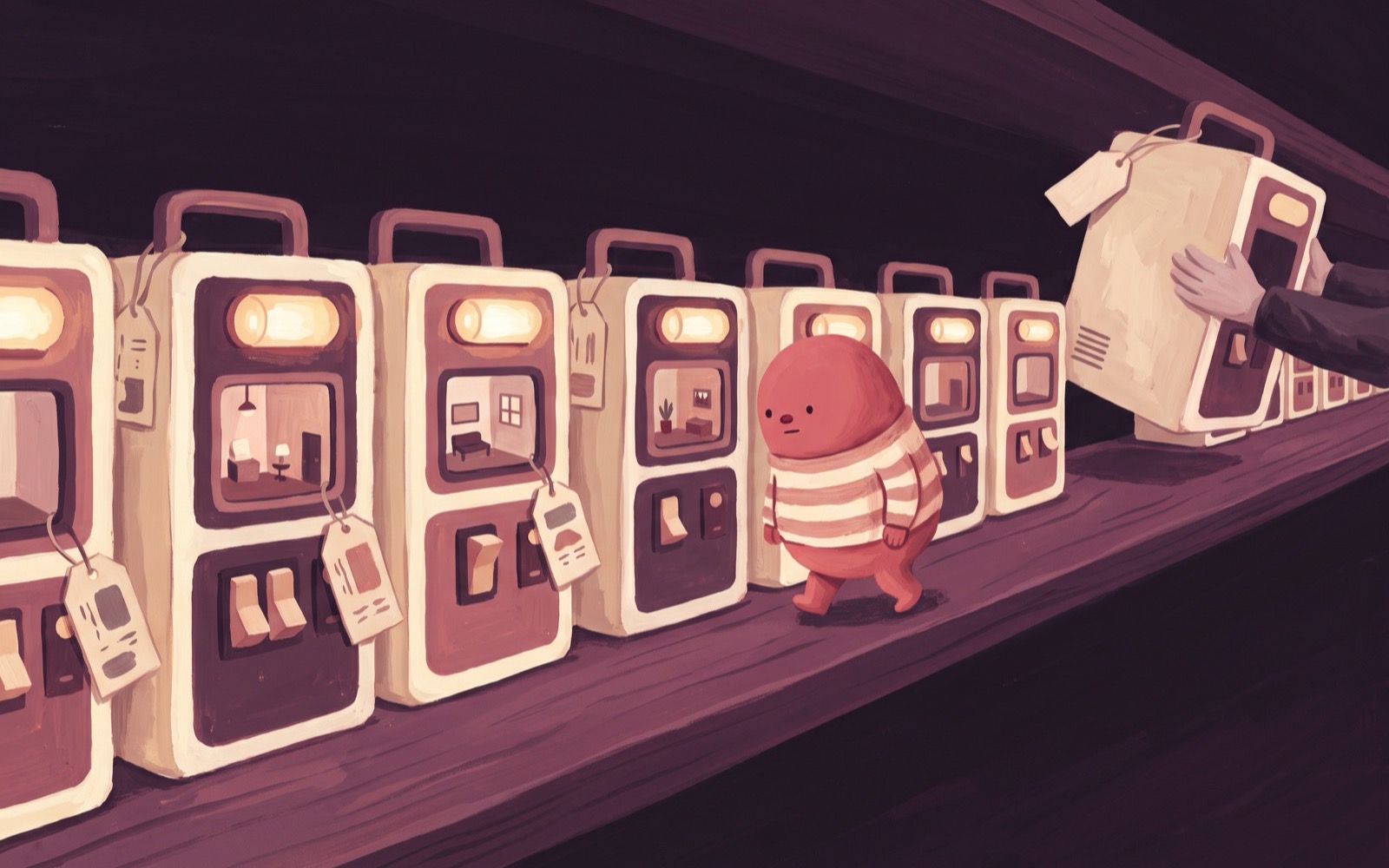
A snapshot on boxd captures memory and disk together. Restore it and the machine comes back where it left off, with the processes still running. That is the part that makes a per-pull-request preview affordable to think about: the install already happened, once, somewhere else.
That somewhere else is a snapshot of your app, taken from a machine with your app installed and running, re-saved on every push to main so it always carries your latest code. It is the prerequisite for everything below. Skip it and the rest of this article gets you an empty machine at a nice URL.
One command turns the snapshot into a preview:
boxd machine new myapp-pr-482 --from-snapshot my-workspaceThe machine wakes with the app already serving main's code. From there the script checks out the pull request branch inside the machine and rebuilds, and because the base is the latest main, the rebuild only has to cover the diff. The preview is then live at https://myapp-pr-482.boxd.sh, running main plus the branch, which is exactly what the reviewer has been asked to approve.
The name is the URL
Name the machine after the pull request number and the URL follows from the name. The mapping is the name itself, so there is nothing kept anywhere that can drift out of sync with reality.
On a new push, the script deletes the machine and creates it again from the latest snapshot. The name comes back and the URL comes back with it. Reviewers refresh the tab they already have open, and screenshot diffs and Playwright runs get a target that holds still for the life of the branch.
That stability is worth more than it sounds. A link that changes on every push is a link nobody saves. A link that survives the pull request ends up in the description, in Slack, and in the ticket, which is the only way any of this gets used.
Recreating is the default because it buys a clean, known starting state for the price of one boot. It is not always the right call. If your rebuild is slow and your pushes are frequent, keep the machine and run the checkout step alone.
Two scripts cover the whole lifecycle
Run them through the TypeScript or Python SDK. Both read BOXD_API_KEY from the environment and handle authentication for you.
The first brings a preview up, and is also what refreshes it after a push:
import { Boxd } from "@boxd-sh/sdk";

const [prNumber, branch] = process.argv.slice(2);
const name = `myapp-pr-${prNumber}`;

const boxd = new Boxd();                       // reads BOXD_API_KEY

// Recreate from the latest snapshot. The reused name keeps the URL stable.
await boxd.machines.delete(name).catch(() => {});
const machine = await boxd.machines.create({
  name,
  fromSnapshot: "my-workspace",
  config: { autoSuspendTimeout: 300 },
});
await boxd.machines.waitUntilReady(machine.id);
await boxd.machines.setAutoHibernateTimeout(machine.id, 1800);   // park on disk after 30 min idle

await boxd.machines.exec(machine.id, {
  command: `cd ~/myapp && git fetch origin ${branch} \
    && git checkout -B preview FETCH_HEAD \
    && npm ci && sudo systemctl restart myapp`,
});

console.log(`Preview: ${machine.access.url}`);
await boxd.close();
The Python SDK does the same job in the same shape, if that is where your CI glue already lives:
import sys
from boxd import Boxd, NotFoundError

pr_number, branch = sys.argv[1:3]
name = f"myapp-pr-{pr_number}"

with Boxd() as boxd:                       # reads BOXD_API_KEY
    try:
        boxd.machines.delete(name)
    except NotFoundError:
        pass
    machine = boxd.machines.create(name, from_snapshot="my-workspace", auto_suspend_timeout=300)
    boxd.machines.wait_until_ready(machine.id)
    boxd.machines.set_auto_hibernate_timeout(machine.id, 1800)

    boxd.machines.exec(machine.id, (
        f"cd ~/myapp && git fetch origin {branch} "
        "&& git checkout -B preview FETCH_HEAD "
        "&& npm ci && sudo systemctl restart myapp"
    ))
    print(f"Preview: {machine.access.url}")
The second script is the entire teardown:
import { Boxd } from "@boxd-sh/sdk";

const boxd = new Boxd();
await boxd.machines.delete(`myapp-pr-${process.argv[2]}`).catch(() => {});
await boxd.close();
Swap npm ci && sudo systemctl restart myapp for whatever your stack actually needs. With the GitHub integration connected, the git fetch running inside the preview reaches your private repositories with nothing extra to configure.
Wire it into CI
Two jobs in GitHub Actions, or in whatever else you run. The first script goes on pull_request opened, synchronize and reopened. The teardown goes on closed. Pass the pull request number and the branch as arguments.
Store the key as a repository secret first:
boxd auth keys create "previews" | gh secret set BOXD_API_KEY --repo you/myappPost the printed URL back with gh pr comment, and scope concurrency per pull request number. Without that last part, two pushes a minute apart will both try to recreate the same machine, and you will spend an afternoon working out why the preview shows the wrong commit.
You can also run the boxd half on a boxd machine, as a self-hosted runner or a small webhook listener living there. Inside a machine, new Boxd() authenticates on its own, so the key drops out of your setup entirely and the scripts run unchanged.
What an idle preview costs
Most previews spend most of their lives with nobody looking at them. Two timeouts handle that, and the script above sets both.
| Idle for | What the preview does | Wake time on the next click |
|---|---|---|
| 5 minutes | freezes in RAM at near-zero cost | sub-millisecond |
| 30 minutes | parks on disk, costing effectively nothing beyond storage | about 85ms |
A pull request left open over a weekend costs effectively nothing. The reviewer clicking that link on Monday morning has no way to tell it was asleep.
Five open pull requests give you five machines. The default cap is 100 machines per organization, extendable on request, and the source machine counts toward it too, so this is not the tool for a repository with three hundred concurrent branches.
A preview you can log into
The link is the part reviewers use. The machine underneath is the part that changes how you debug.
Every preview is a full Linux machine that you own. ssh myapp-pr-482.boxd drops you into a shell in the exact environment the reviewer is staring at, so "works on my machine" stops being a conversation. boxd machine exec lets other jobs run tests against the same box.
The same property solves preview data, which is usually the ugliest part of this whole idea. Run a local database on the source machine before you snapshot it. Every preview inherits a copy of that data, writes stay inside that one preview, and the next recreate resets it for free. The shared staging database and the per-pull-request seeding step both disappear.
So: snapshot your app first, then write the two scripts against it. The result is a review where a colleague uses your change instead of reading it, which is a different and considerably more useful kind of approval.